


ClueCon 2023 Wrap-up
Aug 23, 2023
All fields are required
FreeSWITCH is the leading open-source communication framework that powers some of the world's largest telephony infrastructures. It is maintained and sponsored by SignalWire, a company founded by the core developers of FreeSWITCH as an alternative solution for deploying software-defined telecom in the cloud. This provides you with options to architect and build with FreeSWITCH or, alternatively, to use SignalWire's low-code platform infrastructure to deploy quickly and easily. The choice is yours.
5,000+ commercial businesses use FreeSWITCH every day - globally.
With over 5k+ businesses and 300M+ daily users globally, FreeSWITCH powers some of today's top businesses including Amazon Chime, Zoom Phone and Five9.
Built off FreeSWITCH core, SignalWire offers an easy path to the cloud for more complex deployment scenarios like WebRTC, AI integration & AMD.
FreeSWITCH Advantage was built for enterprises who need advanced capabilities and customized support.
Commercial Modules and FreeSWITCH Advantage
For Enterprises who need customized support, advanced capabilities or commercial modules for AMD or G.729A, SignalWire can help.
To learn more about FreeSWITCH Advantage, call us +1.213.286.0400.
Build private cloud applications using the commercial, enterprise-grade release of FreeSWITCH.
Rich Protocol Support for SIP compliance across all transports
WebRTC - provides native services to the browser without a gateway
Advanced feature support including text-to-speech, call recording, voice mail & more.
Integrated Video MCU for higher level functions including customizable video layouts, mixed protocol conferences & screen sharing
Advanced Support - deployment assistance, priority bug fixes and custom deployment assessment
G.729A is a compatible extension of G.729, but requires less computational power.
AMD Mods - DEBIAN 8 is NOT SUPPORTED. FreeSWITCH provides a licensed commercial Answering Machine Detection module for $50 per channel, A key technology for autodialers is the ability to detect live human pickup and answering machine. Since there is no indication/hardware signal when a call is answered by an answering machine or voicemail system, autodialer systems have to analyze incoming audio in order to make a prediction. Currently, there is no algorithm that can achieve 100% accuracy.
FreeSWITCH benefits from a large and active community of developers who contribute to its development, provide support, and create additional modules and applications.
SignalWire is committed to hosting and maintaining the FreeSWITCH code and community. If you have any questions you would like to talk through with fellow developers or our team of experts, join the Community.
Follow us on social: Facebook | Twitter | LinkedIn | YouTube

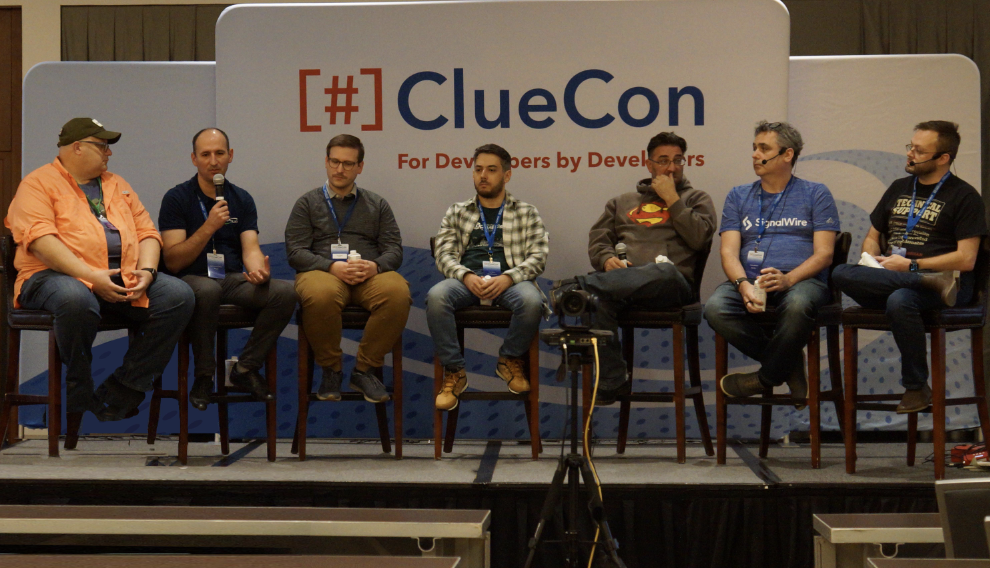
The ClueCon conference brings together influencers in the open-source community from all over the world to discuss VoIP, telecommunications, WebRTC and IoT. ClueCon offers various educational sessions, hackathons and networking opportunities with leaders in the open source community. Come join us!
Aug 23, 2023

Aug 07, 2023